
Theatre
The Lighthouse Keeper
- Fri 20 Nov – Fri 4 Dec · 3 dates
- Harbour Lights Theatre, Seabridge
From £14.35
incl. £0.35 booking fee
Event ticketing software, made in the UK
Sell tickets online from your own branded ticket shop, with seating, door scanning, refunds and reports included. No subscription, just 2.5% per paid ticket, and free events are free.
Tickets shown are from our four example shops; their organisers are fictional.
Meet Ticket Cherry
Build your event, open your shop and welcome people at the door from one dashboard. Here's the real product, recorded in our test environment.
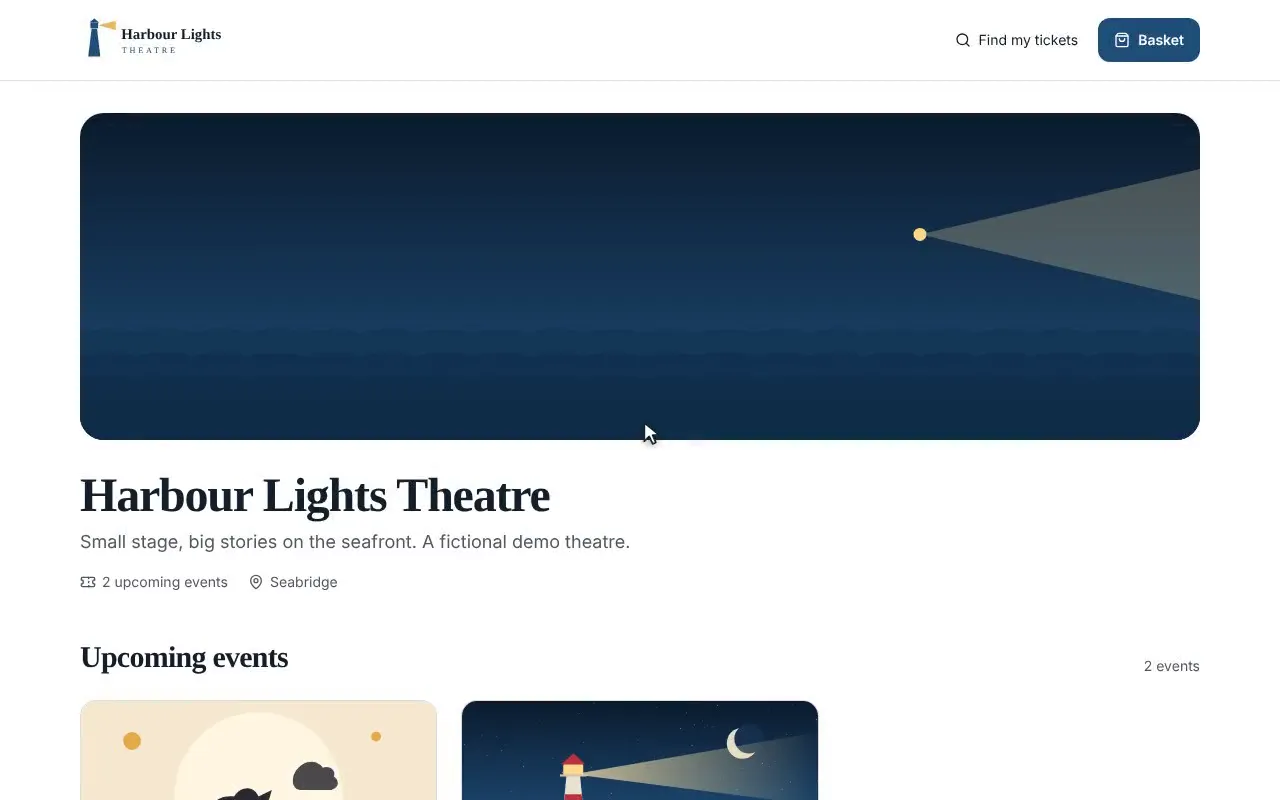
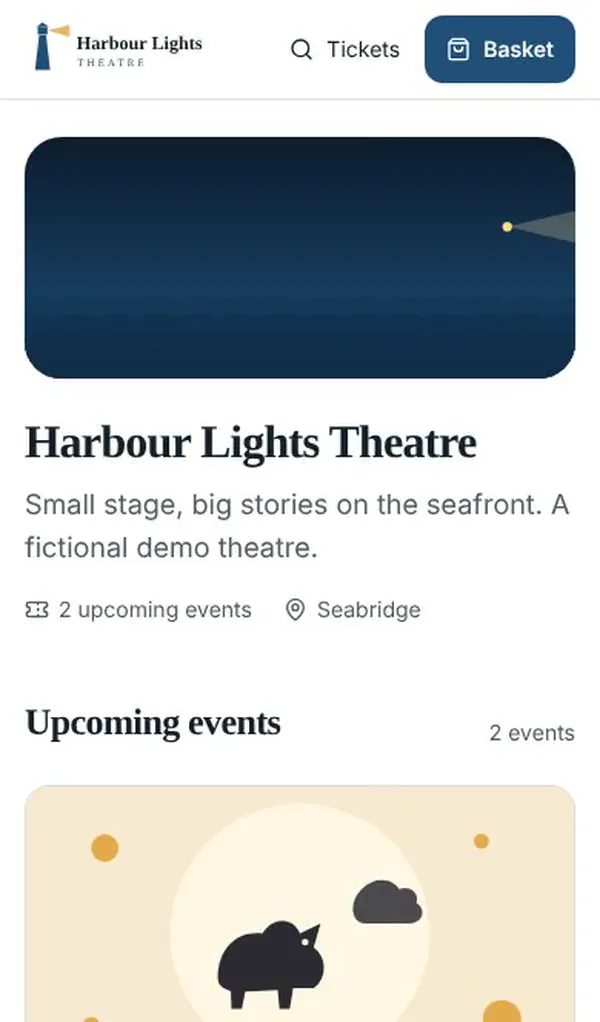
1/5 · Your own branded shop
Each organiser’s shop carries their own name, logo and colours.
A silent recording of the product, in chapters:
Recorded in the test environment: fictional organisers, sample data and a simulated payment.
From a first comedy night to a three-day festival, every organiser gets every feature.
Set up in minutes, preview everything before you publish, and sell free tickets for free.
Learn more about first-time organisersReserved seating with price bands and wheelchair spaces. We'll build your seating plan for free.
Learn more about theatres & venuesDay tickets and passes for every date, with fast scanning at every gate.
Learn more about festivals & weekendersRelease tickets in tiers, promo codes, guest lists and a scanner that keeps working without signal.
Learn more about club nights & gigsRecurring dates, small capacities, booking questions and a reminder the day before.
Learn more about classes & workshopsNo fee on free tickets, ever. The whole platform, free for free events.
Learn more about free & community eventsOur fee on a £20 ticket is 50p. You choose whether buyers pay it as a booking fee or you absorb it. Payment processing fees are charged separately by our payment provider.
Try a ticket price
Sell
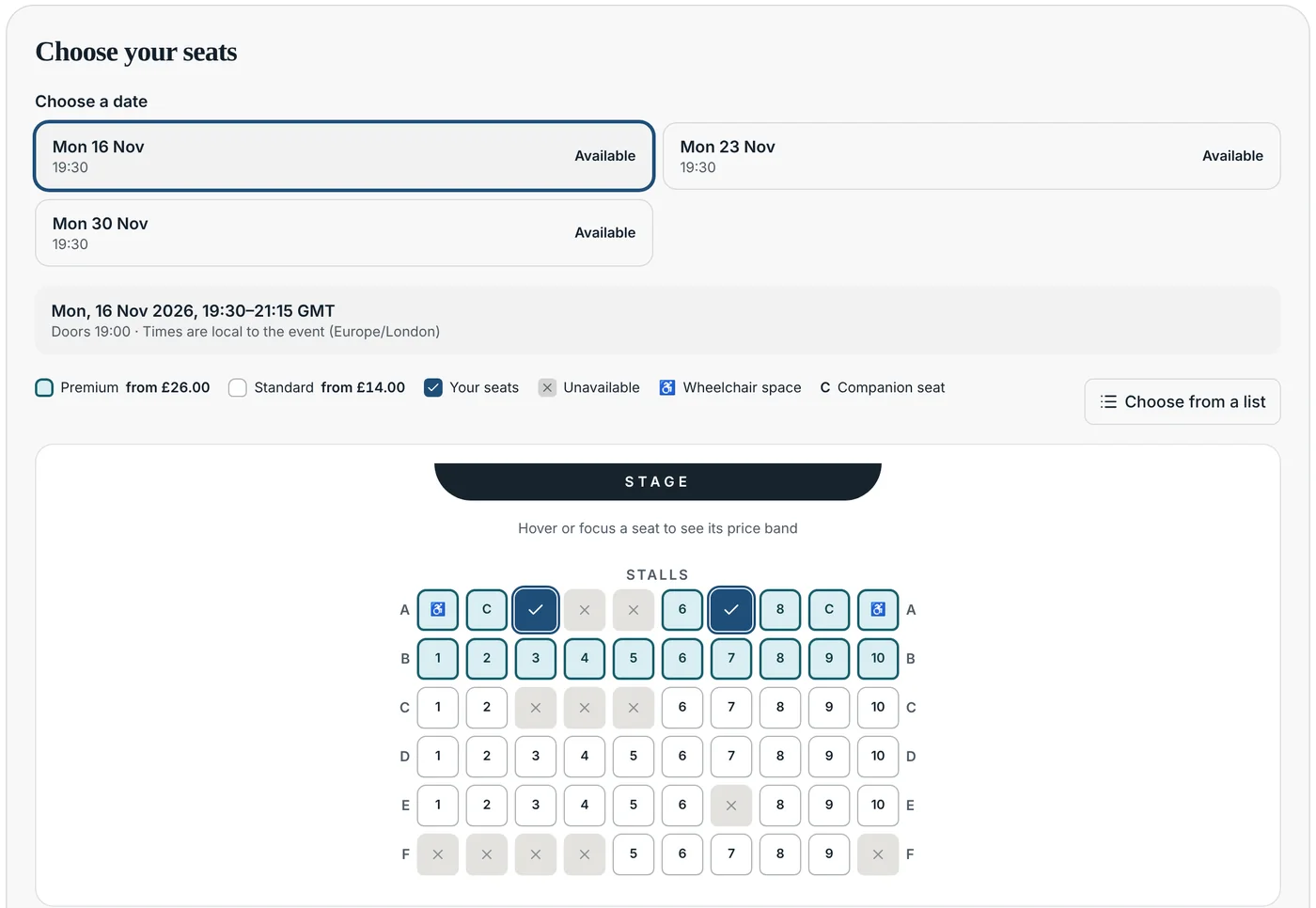
Reserved seating with price bands and wheelchair spaces, many dates with their own capacity, and passes for every date. Buyers see the full price, fees included, before they pay.
Manage
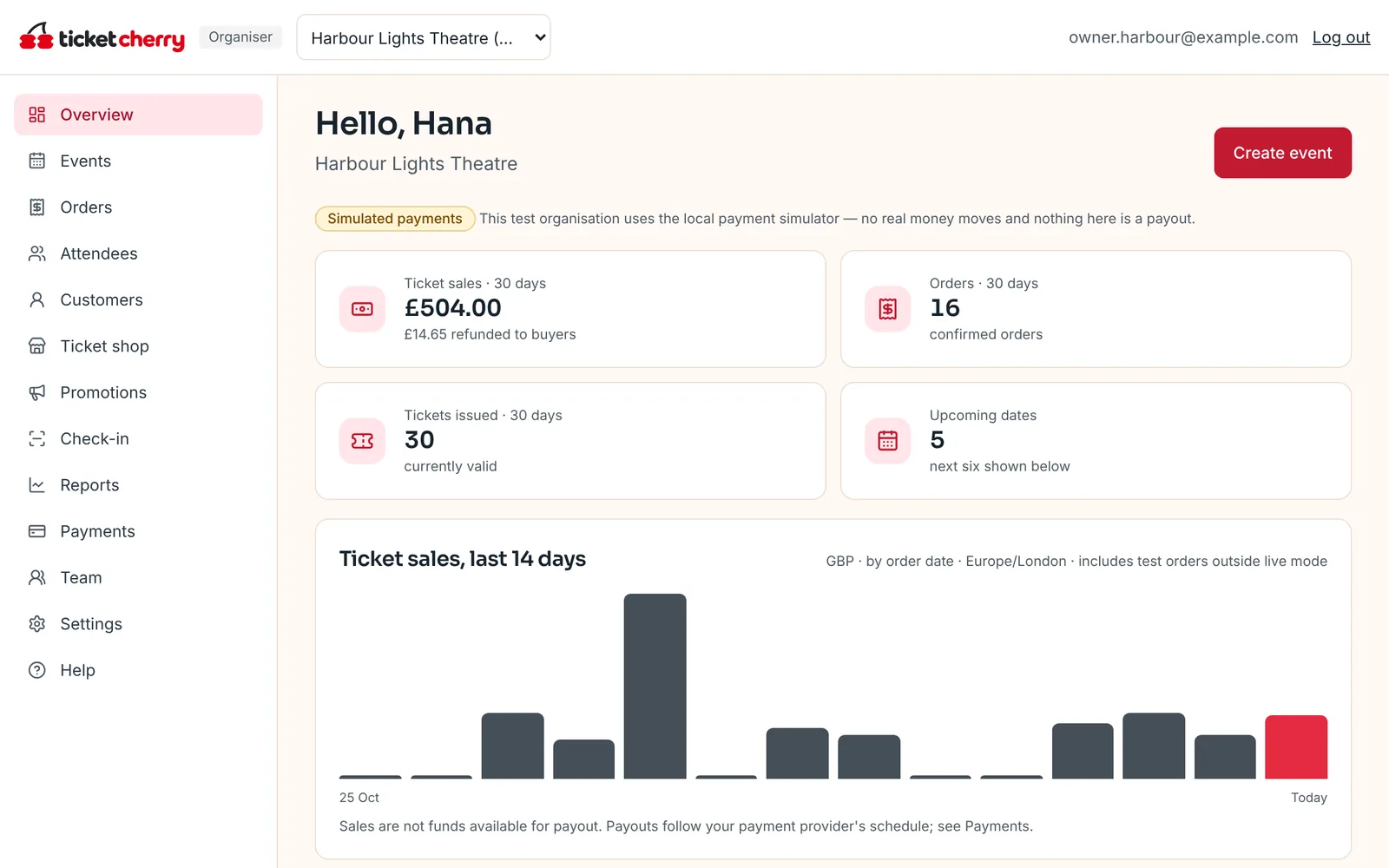
Follow sales as they happen, find any order in seconds, refund a single ticket or a whole booking, and see who has arrived. Every number adds up the same way everywhere.
Welcome
No app to install. Door staff open the scanner in a phone browser, see clear admit or stop screens, and keep scanning when the signal drops.
Your logo, colours, fonts and images, at your own address such as tickets.yourdomain.com, at no extra charge. See the same shop in four example brands, or try yours.
Four example organisers, or yours

Harbour Lights Theatre
Small stage, big stories on the seafront.
Theatre
From £14.35
incl. £0.35 booking fee

Family
Free – £4.10
Paid tickets include a booking fee
Get inspired
Four example organisers (fictional) running real Ticket Cherry shops. Browse events, pick seats and check out with simulated payments.
Theatre · reserved seating
Harbour Lights Theatre
2 events · Small stage, big stories on the seafront.
Open the shop
Club nights · general admission
Northside Beats
2 events · Warehouse parties and tiny-room gigs.
Open the shop
Festival · multi-day
Meadowfold Festival
2 events · Three days of folk, food and family fun in the fields.
Open the shop
Talks, classes & online
Open Studio Talks
2 events · Talks, classes and clinics for working creatives.
Open the shopNo plans, tiers or add-ons. Seating, your own domain, scanning, refunds, reports and the API are all included.
See featuresPaid sales are designed to go straight to your own payment account, set up inside Ticket Cherry. You're the seller and you're paid out directly.
How payments workChat with our team from any page, or reach us on hello@ticketcherry.com. Plus a help centre with step-by-step guides for everything.
Contact usBuyer details belong to your organisation. Export them any time, and marketing consent is collected for you, not for us.
PrivacyMore answers in the help centre.
Yes. There's no monthly fee and no paid plan. Every feature is available to every organiser, and Ticket Cherry charges one transaction fee on paid tickets. Free events carry no fee.
2.5% of each paid ticket. Payment processing fees are charged separately by our payment provider. You choose whether buyers pay our fee as a booking fee or you absorb it.
Paid sales are designed to go straight to each organiser's own payment account, so the organiser is the seller and is paid out directly on the payment provider's schedule. In this test environment payments are simulated.
Yes. Use your logo, colours, fonts and images, and connect your own domain at no extra charge. Your brand leads; a small “Powered by Ticket Cherry” credit appears in the shop footer.
No. Holds and sales are checked against capacity inside database transactions, so a date can't be sold beyond its capacity and a seat can't be sold twice.
Only once the payment provider confirms payment to our server — never just because a browser reached a success page.
Yes, with one caveat. Staff can download an event to a phone and keep scanning offline, but phones can't see each other's scans until they reconnect, so offline admissions are marked provisional and any conflicts are flagged then.
Build your shop and first event now. Connect payments when you're ready to sell.
Ticket Cherry is in prelaunch testing. This site runs on sample data with simulated payments; the help centre explains what is live and what is not.